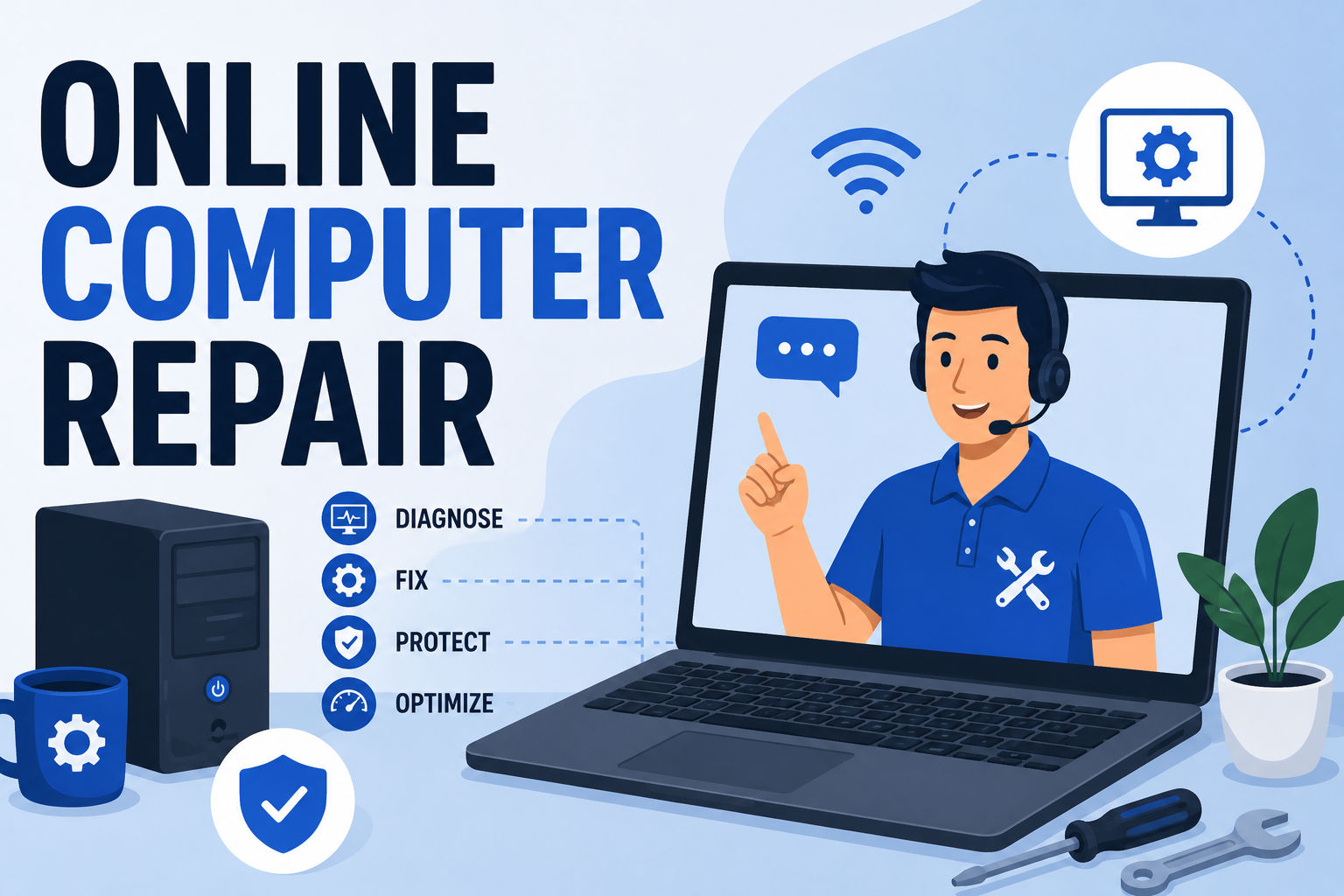
It's 9:40 p.m., your laptop just froze mid-email, and the nearest repair shop closed four hours ago. This is exactly the gap online computer repair was built to fill: a licensed technician fixes your software problem over a secure remote connection, tonight, without you putting on real pants or driving anywhere. No waiting room, no "we'll call you Thursday," no mystery diagnostic fee that somehow costs more than the laptop. If your computer is acting up right now, here's exactly what online repair can and can't do, how the process actually works, and how to tell whether you need it tonight or whether it can wait until morning.
What Is Online Computer Repair, Exactly?
Online computer repair (also called remote computer repair or remote PC repair) is when a technician connects to your computer over the internet, with your permission, and fixes software-level problems in real time — same as if they were sitting at your desk, minus the awkward small talk about your browser history. It works through secure remote-access software: you approve the connection, watch everything happen on your own screen, and disconnect the moment the session ends.
It's genuinely good at solving the problems that make up the vast majority of computer complaints: slow performance, virus infections, software crashes, failed updates, and configuration errors. What it can't do is anything requiring hands on the actual hardware — a cracked screen, a dead motherboard, a keyboard that's been introduced to a full cup of coffee. For those, you still need someone in the room. Everything else — the stuff that's actually software acting up, which is most of it — can be fixed online, usually the same day.

The Most Common Problems Online Computer Repair Actually Fixes
Most people assume "repair" means something dramatic. In practice, it's usually one of a handful of repeat offenders — the same five or six issues showing up on a different laptop every time, like a tech-support version of Groundhog Day.
Slow Performance and Freezing
A computer that takes three minutes to open a browser tab isn't broken, exactly — it's drowning. Bloated startup programs, a fragmented hard drive, or a browser carrying forty-seven open tabs (we don't judge, we've seen worse) will grind any machine to a crawl. A technician can clean up startup processes, clear the digital equivalent of a junk drawer, and get your machine back to a speed that doesn't test your patience. If this is your issue, our guide to speeding up a slow Windows PC covers the DIY basics, and our step-by-step slow laptop fix goes deeper.
Virus and Malware Infections
Pop-ups that won't stop, a browser homepage that changed itself, a fan that's suddenly working like it's training for a marathon — these are your computer's way of waving a red flag. A remote technician can run a full malware scan, remove the infection, and lock the system down so it doesn't happen again next week. For ongoing protection, we recommend DT Malware Safe rather than the free tools that promise the world and deliver a pop-up asking you to upgrade. See our breakdown of the best antimalware software for Windows in 2026, and if you're not sure whether you're infected, our guide on 12 warning signs your computer has a virus will tell you fast.
Software Crashes, Failed Updates, and the Blue Screen of Death
Windows updates fail. Programs crash mid-task. Sometimes your computer restarts itself at random, which is unsettling in a way no error message can fully explain. These are almost always fixable remotely by repairing corrupted system files, rolling back a bad update, or reinstalling the offending software. If your machine keeps restarting on its own, this guide walks through the fix — or skip the reading and book a session.
Ransomware and Deeper Infections
If your files are locked and a ransom note has replaced your desktop wallpaper, that's a different tier of problem, and speed matters. Our ransomware removal guide and trojan virus guide explain what's happening; a technician can assess whether the damage is recoverable and what to do next. If you suspect someone else has access to your machine, read is someone monitoring my computer and signs your computer has been hacked first.
Lost Files and Data Recovery
Accidentally deleted a folder, or a drive that won't mount? Data recovery is often possible remotely, especially if you act before writing new data to the drive. Our complete guide to recovering deleted files on Windows covers what to try first, and when it's time to hand it to a technician instead.
Slow or Dropping Internet Connection
Sometimes the computer's fine and the connection is the actual villain. A technician can rule out router, driver, and network configuration issues remotely — start with our slow internet troubleshooting guide if you want to try a few things yourself first.
Is Online Computer Repair Safe? How the Remote Connection Actually Works

This is the question we get most, and it's a fair one — you're handing a stranger the keys to your digital house. Here's what actually happens, step by step:
1. You Book and Describe the Problem
You get in touch and describe what's going wrong — slow, crashing, infected, won't connect, whatever it is. This takes a few minutes and helps the technician prep before the session even starts, instead of discovering the problem live like a plot twist.
2. You Grant a Secure, Time-Limited Connection
You install a lightweight remote-access tool and approve the connection with a one-time code. Nothing connects without your explicit permission, and that permission expires the moment the session ends — the technician doesn't retain standing access to your machine afterward.
3. Diagnosis and Repair, in Full View
You watch the entire session on your own screen. A good technician narrates what they're doing and why, rather than clicking around in silence like they're defusing a bomb. This is diagnosis, repair, and — where it applies — a quick lesson in how to avoid the same problem next month.
4. Verification and Disconnect
Before ending the session, the technician confirms the fix actually holds: programs open, the system boots cleanly, the fan has stopped auditioning for a jet engine role. Then the connection closes completely. If you don't reinstall the remote tool, there's no lingering access at all.
Online Repair vs. In-Person Repair vs. DIY: Which Should You Choose?
Not every problem needs the same solution, and picking the wrong one usually means paying twice. Here's how the three options actually stack up.
| Method | Best For | Typical Turnaround | Cost | Limitations |
|---|---|---|---|---|
| Online / Remote Repair | Software issues: viruses, slow performance, crashes, failed updates, data recovery | Often same day | Generally the most budget-friendly option — no travel, no shop overhead | Cannot fix physical hardware damage (cracked screens, dead components) |
| In-Person / On-Site Repair | Hardware issues: screen replacement, broken keyboard, failed hard drive, liquid damage | Same day to several days, depending on parts | Higher, due to labor, parts, and shop overhead | Requires drop-off or a scheduled visit; you're without your device longer |
| DIY | Minor, well-documented fixes you're comfortable troubleshooting yourself | Depends entirely on you | Free, unless you make it worse | Risk of making the problem worse; no expert diagnosis; time-intensive |
The honest rule of thumb: if you can still turn the computer on and get to a desktop, it's very likely a software problem — which means it's very likely fixable online, tonight, without anyone touching your actual hardware.
Why Businesses and Homeowners Choose Devtaastic for Online Computer Repair

Devtaastic isn't a repair shop that added "remote" as an afterthought — computer support and remote repair is one of our two core service pillars, alongside web design and digital marketing, which means the team behind your screen share does this daily, not as a side gig between website builds.
Security-First, Every Session
Every remote session runs on encrypted, permission-based access. Nothing connects without your explicit approval, and nothing lingers after the session ends. If ongoing protection is what you're after, we point clients toward DT Malware Safe, our own anti-malware product, instead of the free tools that scan your files and then spend more effort upselling you than protecting you.
Real Technicians, Real Availability
Devtaastic operates with round-the-clock PC support and a track record built over a decade in web and IT services — the kind of experience where you've genuinely seen every flavor of blue screen there is. We also serve small and mid-sized businesses that need ongoing computer support, not just a one-time fix, so if today's repair turns into a bigger conversation about protecting your systems long-term, that's a conversation we're already set up to have.
No Guesswork on Pricing
You get a diagnosis and a clear explanation of the fix before any work happens — not a bill that shows up like a plot twist at the end. Reach out for a free quote and we'll tell you exactly what's wrong and what it takes to fix it.
Signs You Need Online Computer Repair Right Now
Not sure if tonight's glitch is a "wait and see" or a "fix it now"? If any of these sound familiar, it's time to book a session:
- Your computer takes several minutes just to open a browser or a basic program
- Pop-ups appear even when you're not browsing, or your homepage changed itself
- Your computer restarts on its own, or crashes to a blue screen repeatedly
- A Windows update failed and now something else is broken too
- Your fan runs loudly even when you're not doing anything demanding
- You deleted a file or folder you actually needed
- A ransom note or locked-file message has appeared on your screen
- You suspect someone else has access to your computer
If you checked more than one box, that's usually a sign the issues are compounding — one problem creating the conditions for the next. Better to catch it in a single session than let it snowball into a Saturday-afternoon ordeal.
Frequently Asked Questions
Is online computer repair actually safe?
Yes, when done through a legitimate provider using encrypted, permission-based remote access. You approve the connection, watch the entire session, and the access ends the moment the session is over. The bigger risk is unsolicited "tech support" calls or pop-ups claiming your computer is infected — legitimate repair always starts with you reaching out, not the other way around.
What can't be fixed with online computer repair?
Anything physical: a cracked screen, a dead motherboard, a keyboard that's met an unfortunate spill, or failed internal hardware. If your computer won't power on at all, that's usually a hardware issue and needs in-person diagnosis. If it powers on and gets you to a login screen or desktop, there's a good chance it's software — and software is exactly what online repair handles.
How long does an online computer repair session take?
Most software issues — slow performance, malware removal, failed updates, minor crashes — are resolved in a single session, often within an hour. More involved issues like ransomware recovery or extensive data recovery can take longer, but you'll know the estimated timeline before the work starts.
How much does online computer repair cost?
It varies by the issue, but online repair is generally more budget-friendly than in-person service since there's no shop overhead or travel involved. Contact us for a free quote — you'll get a clear price before any work begins, not a surprise afterward.
Do you offer online computer repair for small businesses, not just individuals?
Yes. While plenty of our online repair clients are individuals with a sick laptop, we also support small and mid-sized businesses that need both one-time fixes and ongoing computer support and cybersecurity. If today's issue is really a symptom of a bigger IT gap, we'll tell you that too, rather than just patching the one thing and sending you on your way.
Computer Acting Up? Let's Fix It Today.
Book a free diagnostic and get a clear, upfront quote before any work begins — no shop visit, no waiting until Thursday.
Get a Free Quote