Computer Support Online: What It Actually Means
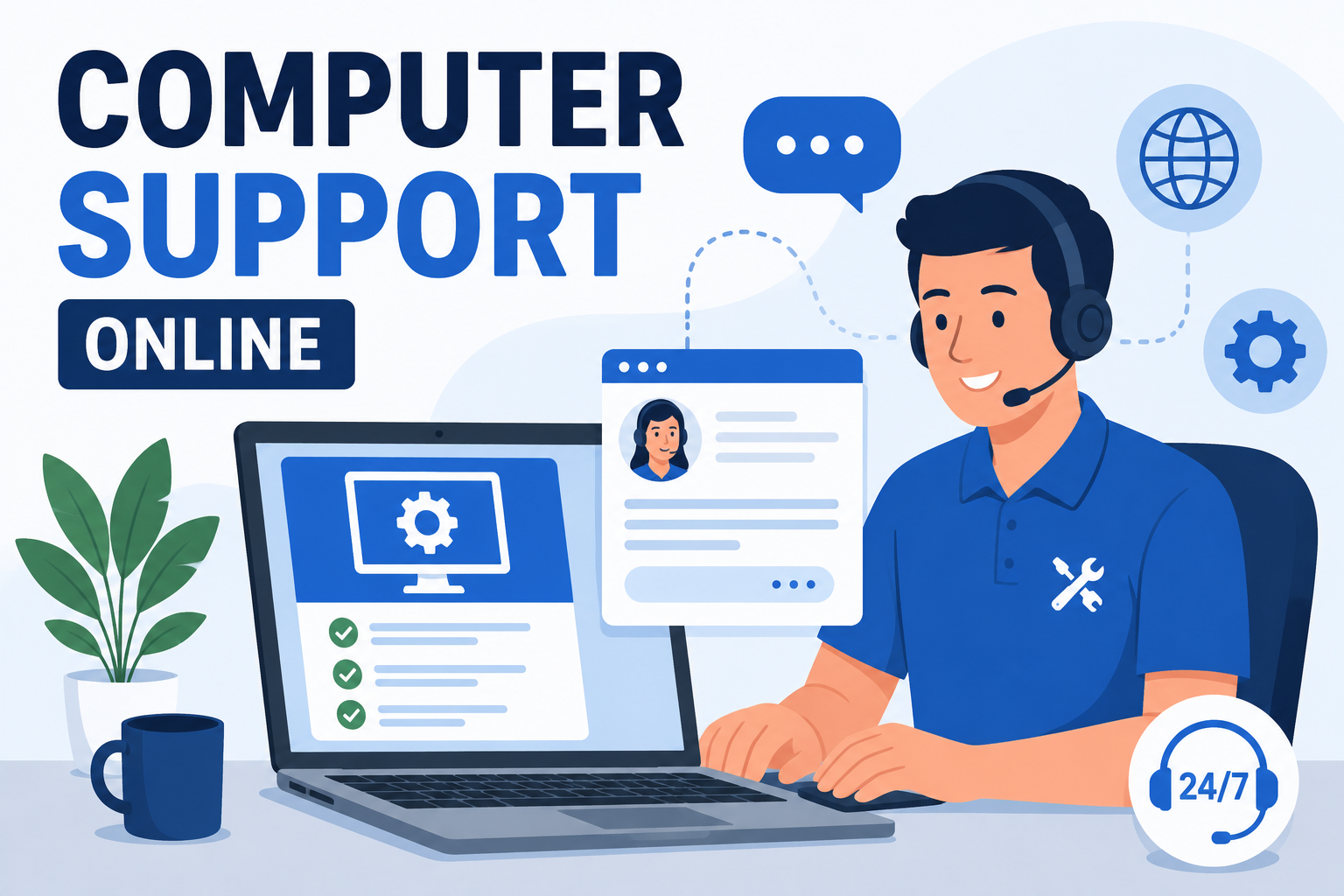
Searching for computer support online usually means one of two things: you want help without waiting for a technician to physically show up, or you've already tried restarting your computer three times and you're out of ideas (we don't judge; it fixes more than it should). Either way, online computer support — also called remote IT support — lets a technician securely connect to your device over the internet, diagnose the problem, and fix most issues without anyone ever setting foot in your office or living room.
For US individuals and businesses alike, this isn't a lesser version of "real" support; for the overwhelming majority of software issues, network problems, and malware cleanups, it's actually the faster, more efficient option. This guide covers exactly how remote support works, what it can and can't fix, how to spot a scam wearing a friendly headset, and links out to state-specific guides and deeper how-to resources across our entire computer support library, so consider this your one-stop starting point.

How Online Computer Support Actually Works
The process is more straightforward than most people expect, and it typically follows the same basic sequence regardless of provider.
Step 1: You Describe the Problem
A quick call, chat, or online form gets the basics across — what's happening, when it started, and what you've already tried. This step matters more than people realize; "it's slow" and "it's slow specifically when I open Chrome" point technicians toward very different fixes.
Step 2: Secure Remote Connection
You're sent a link or given a code to install a remote access tool, which grants a technician temporary, controlled access to your screen. Reputable providers use encrypted, session-based tools that end the moment the session closes — nobody's quietly lingering in your system after the fix is done.
Step 3: Diagnosis and Repair
The technician works directly on your machine in real time: running scans, adjusting settings, removing malware, updating drivers, whatever the issue calls for. You can typically watch the entire process happen on your own screen, which is more transparency than you get from most in-person repair shops that whisk your laptop into a back room.
Step 4: Session Ends, Access Closes
Once the fix is confirmed, the remote session closes completely. Legitimate remote support software doesn't maintain standing access afterward unless you've specifically set up an ongoing managed support arrangement.

What Online Computer Support Can (and Can't) Fix
Remote support handles the overwhelming majority of common computer problems, but it's not magic — a technician still can't fix a laptop with liquid damage through a screen-sharing session, however talented they are.
| Issue Type | Fixable Remotely |
|---|---|
| Malware, spyware, and virus removal | Yes |
| Software installation, updates, and troubleshooting | Yes |
| Slow performance and startup issues | Yes |
| Network and Wi-Fi configuration | Usually |
| Email and account setup | Yes |
| Data backup configuration | Yes |
| Hardware failure (broken screen, dead battery) | No — requires on-site or in-shop repair |
| Physical component replacement | No — requires on-site or in-shop repair |
As a rough rule of thumb: if the problem lives in software, it's almost certainly fixable online. If the problem lives in hardware — a cracked screen, a dead fan, coffee where coffee should never go — you'll need hands-on repair, no matter how good the Wi-Fi is.

Is Online Computer Support Actually Secure?
This is the question that stops a lot of people from trying remote support in the first place, and it's a fair one to ask before letting a stranger drive your cursor around.
What Legitimate Remote Support Looks Like
- You initiate the request; the technician doesn't cold-call or pop up uninvited
- Access requires your explicit permission and a session code you control
- You can see everything happening on your screen in real time
- The session ends completely when the work is done, with no lingering access
- The provider is a verifiable business with a real support history, not an anonymous pop-up ad
Red Flags of Tech Support Scams
Unfortunately, "remote computer support" is also a favorite disguise for scammers, so it's worth knowing the warning signs. Unsolicited pop-ups claiming your computer is infected and providing a phone number to call are almost always fake — legitimate companies don't diagnose your computer from across the internet before you've even contacted them. Similarly, be wary of anyone who calls you first claiming to be from "Microsoft support" or a similarly vague authority; real companies overwhelmingly don't cold-call customers about computer problems.
The golden rule: you contact support, not the other way around. If it happened in reverse, treat it as a scam until proven otherwise.
Online Computer Support vs. On-Site Support
Neither format is universally "better" — they solve different problems.
When Online Support Makes More Sense
Software issues, malware removal, general troubleshooting, and anything time-sensitive where waiting for an on-site appointment would cost more than the fix itself. Most computer support requests fall into this category, which is exactly why remote support has become the default first step for most providers.
When On-Site Support Is Necessary
Physical hardware failures, network wiring issues, server room work, or situations where a business needs ongoing, hands-on IT presence rather than a one-off fix. Some businesses also prefer occasional on-site visits simply for the peace of mind of a technician physically walking the office.
What to Have Ready Before an Online Support Session
A little prep goes a long way toward a faster fix, and most of it takes under five minutes.
- Know your basic login credentials for the affected device or account, since a technician can't work around a locked screen they can't get past
- Close unrelated work beforehand if possible, since the technician will see whatever's open on your screen during the session
- Have a rough timeline of when the issue started and what, if anything, changed around that time — a new install, an update, a suspicious email you clicked
- Make sure your internet connection is stable, since remote support sessions rely on it the same way a video call does
- Write down any error messages you've seen verbatim, rather than paraphrasing from memory once the session starts
None of this is mandatory — a good technician can work around missing details — but showing up with even loose notes tends to shave real time off the diagnosis, the same way telling a doctor exactly where it hurts beats a vague gesture at your general torso.
Why Businesses Are Increasingly Choosing Remote-First IT Support
For US small and mid-sized businesses, remote-first computer support offers a genuinely practical advantage: faster response times, since there's no travel time between "we have a problem" and "someone's looking at it," and typically lower costs, since providers aren't billing for windshield time. It also scales more naturally — a business with employees across multiple states can get consistent support without needing a technician physically stationed in each location.
Devtaastic provides computer support services across the US with this exact remote-first approach, backed by on-site options where the situation genuinely calls for it. Browse the full directory of state-specific guides below for what to expect in your region, including response times and typical service scope.
Find Computer Support in Your State
Remote support works the same way nationwide, but response expectations, common local issues, and even typical pricing can vary a bit by region. We've put together a dedicated guide for every state covering what to expect before you call.
Related Guides in Our Computer Support Library
If the issue you're dealing with is more specific than general troubleshooting, these guides go deeper on individual threats and topics:
Frequently Asked Questions
Is online computer support as effective as in-person support?
For the vast majority of software-related issues — malware, slow performance, installation problems, network configuration — yes, remote support is just as effective and typically faster. Hardware failures remain the clear exception requiring physical repair.
How do I know if a remote support request is legitimate or a scam?
Legitimate support only happens after you initiate contact. If a pop-up, phone call, or email claims to have detected a problem on your computer before you've reached out, treat it as a scam and don't grant access or provide payment information.
Do I need to install special software for remote computer support?
Most providers use lightweight, session-based remote access tools that install temporarily and only function while you've granted active permission. These typically uninstall automatically once the session ends.
Can online computer support remove malware and viruses?
Yes, this is one of the most common uses of remote support. A technician can run diagnostic scans, remove malicious software, and install dedicated protection like DT Malware Safe to prevent reinfection, all without needing physical access to the machine.
How much does online computer support typically cost?
Pricing varies by provider and issue complexity, but remote support is generally less expensive than on-site visits since there's no travel time or callout fee involved. Getting a specific quote for your situation is the most accurate way to know what to expect.
Get Help Without the Wait
Whatever's going wrong with your computer right now, there's a good chance it can be fixed today, remotely, without rearranging your schedule around a technician's drive time. Devtaastic's computer support team handles everything from malware cleanup to network troubleshooting online first, with on-site support available whenever the problem genuinely needs hands on hardware.
Get a free quote today and let's get your computer running right again. Request your free quote and skip the waiting room entirely.