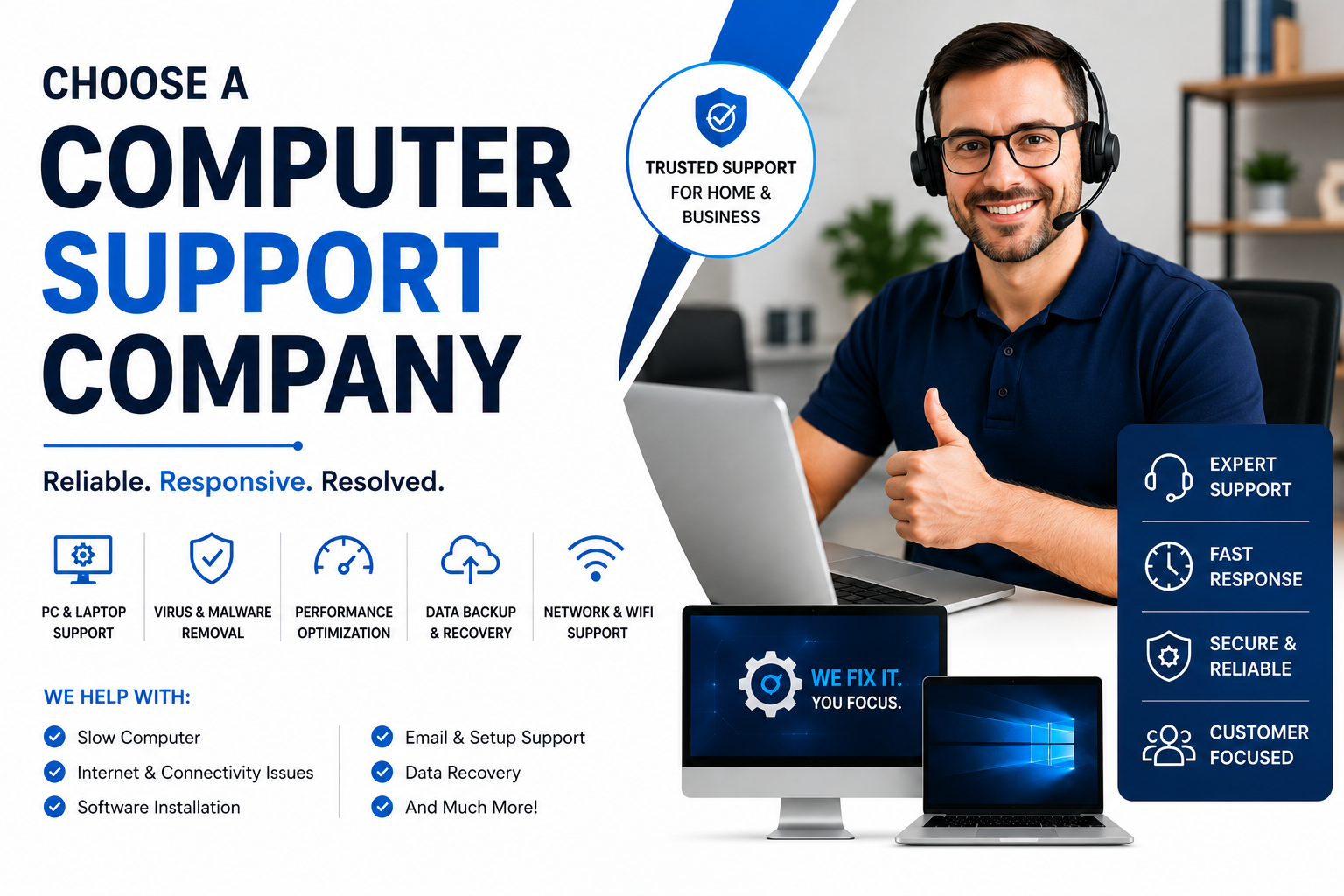
Every growing business eventually reaches a critical inflection point where managing internal technical issues on a personal laptop or relying on the resident "tech-savvy" sales manager stops being a charming startup quirk and starts costing real money. When networks lag, email servers stall, or cybersecurity threats loom over your customer database, knowing how to choose a computer support company becomes one of the most vital strategic decisions your executive team will make this fiscal year. Partnering with the right managed service provider ensures your operations run smoothly without unexpected disruptions.
The modern IT landscape is packed with service providers promising 24/7 responsiveness, cloud transformations, and airtight security protocols. However, not every vendor delivers on these claims. Choosing the wrong technical partner can lead to persistent system outages, hidden billing add-ons, and vulnerability to security breaches. In this guide, we break down the exact criteria, questions, and evaluation steps required to select an IT partner that aligns with your operational goals and budget.
Why Finding the Right IT Partner Matters for Business Growth
In today's digital economy, technical infrastructure is no longer just a backend support function; it is the backbone of your revenue engine. Whether you are running e-commerce stores, managing client databases, or coordinating remote workforces across multiple time zones, system reliability directly impacts your bottom line. When evaluating external vendors, decision-makers must evaluate how technical capabilities translate into daily efficiency and long-term business scalability.
A reliable computer support partner acts as a strategic asset rather than an emergency expense. Beyond resetting forgotten passwords or installing software patches, an experienced IT support team helps optimize your hardware investments, enforces cloud security policies, and streamlines everyday business workflows. By delegating technical upkeep to dedicated specialists, your team remains focused on high-value business development rather than troubleshooting network drops.

How to Choose a Computer Support Company: Core Evaluation Factors
When starting your evaluation process, establishing a structured assessment protocol prevents impulse decisions driven by polished sales presentations. Understanding how to choose a computer support company requires evaluating several key operational criteria before signing any long-term service agreements.
1. Service Level Agreements (SLAs) & Response Times
A Service Level Agreement defines the contractually guaranteed response times for critical system failures, standard helpdesk tickets, and routine maintenance requests. When reviewing an SLA, pay close attention to guaranteed resolution times rather than generic response metrics. A company that acknowledges your urgent server crash within ten minutes but takes forty-eight hours to dispatch a technician has successfully met a communication benchmark while leaving your business paralyzed. Look for clear definitions of priority tiers, guaranteed emergency dispatch times, and transparent penalty credits if the provider fails to meet agreed standards.
2. Proactive Maintenance vs. Reactive Break-Fix Models
Traditional "break-fix" support models operate on an hourly billing structure where the provider profits when your equipment breaks. Conversely, modern Managed Service Providers (MSPs) operate on a flat-rate monthly retainer. This model aligns the support provider's incentives with your own: the smoother your systems run, the more profitable the relationship is for both parties. Ensure your potential support partner prioritizes automated patch management, 24/7 network monitoring, routine data backups, and predictive hardware replacements before equipment failures occur.
3. Industry Specialization and Compliance Standards
Different industries operate under distinct regulatory frameworks and operational realities. A law firm handling confidential client discovery requires significantly different security compliance controls than a retail business managing point-of-sale hardware across multiple physical locations. Verify whether the support provider has hands-on experience in your specific vertical, including familiarity with relevant compliance mandates such as HIPAA, SOC 2, or PCI-DSS. Ask prospective vendors for anonymized case studies or client references within your market sector.
4. Comprehensive Cybersecurity Protocols
Cybersecurity can no longer be treated as an optional add-on or a basic antivirus installation. Cyber threats increasingly target small-to-mid-sized enterprises through phishing schemes, ransomware attacks, and credential compromise. A qualified computer support partner should provide multi-layered security protections out of the box, including multi-factor authentication (MFA) enforcement, endpoint detection and response (EDR), regular vulnerability scanning, employee security awareness training, and comprehensive cloud backup solutions.

Comparing Support Provider Models: Managed Services vs. On-Demand IT
To help guide your decision, the comparison table below highlights key operational differences between traditional hourly break-fix contracts, internal IT personnel, and fully managed IT support packages.
| Evaluation Criteria | Break-Fix (On-Demand) | In-House IT Staff | Managed IT Support (MSP) |
|---|---|---|---|
| Cost Predictability | Low (Unpredictable hourly bills) | Medium (Fixed salary + benefits) | High (Fixed monthly rate per user) |
| Proactive Support | None (Only fix after breakage) | Moderate (Limited by bandwidth) | 24/7 Continuous Monitoring |
| Skill Set Breadth | Varies by technician assigned | Limited to 1–2 individuals | Full team of certified experts |
| Scalability & Growth | Poor (Slow emergency response) | Requires hiring additional headcount | Instant expansion as team grows |
| Security Alignment | Minimal reactive patches | Requires ongoing training costs | Multi-layer security built-in |

Essential Questions to Ask Potential IT Support Vendors
Before committing to a long-term partnership, schedule a comprehensive technical discovery call. Use the following structured checklist during vendor interviews to uncover potential red flags early in the negotiation process:
- How do you handle onboarding and data migration? A seamless onboarding protocol should include a full infrastructure audit, network mapping, credential consolidation, and minimal interruption to daily staff workflows.
- What web and digital infrastructure support do you offer? Ensure your vendor understands integrated environments. For businesses expanding their digital presence, leveraging professional Web Development Services ensures your web portals and backend databases integrate cleanly with your core network assets.
- What is your data backup verification procedure? Having automated backups is useless if data recovery tests are never conducted. Ask prospective vendors how often they perform dry-run data restores to verify file integrity.
- How do you manage cybersecurity training for end-users? Because human error remains a primary vector for security breaches, your support partner should provide structured phishing simulations and ongoing security awareness modules.
- Can your team integrate web infrastructure and SEO performance monitoring? High-performing digital platforms rely heavily on optimized server response times and structured search architecture. Partnering with specialists who understand SEO Services helps align your technical infrastructure with organic growth objectives.
- Are there any excluded services or hidden fees? Clarify what falls outside standard contract coverage, such as after-hours emergency calls, physical site visits, or major cloud migration projects.
Step-by-Step Selection Process for Business Leaders
Choosing the right computer support partner requires a systematic evaluation framework. Following these four structured phases helps ensure your final vendor selection delivers maximum ROI for your organization:
Phase 1: Define Internal Technical Requirements & Scope
Document your organization's technical footprint before reaching out to prospective vendors. Inventory your total user count, active workstations, mobile devices, physical servers, cloud applications, and special software packages. Identify existing operational bottlenecks, recurring system downtime, and upcoming growth plans so potential partners can provide tailored cost estimates.
Phase 2: Request Detailed Proposals & Compare Service Scopes
Issue a formal Request for Proposal (RFP) to at least three qualified IT service providers. Evaluate each proposal based on total cost of ownership, service scope clarity, escalation protocols, and overall cultural fit. Look beyond price tags to determine which vendor offers the proactive guidance required to support your long-term expansion goals.
Phase 3: Conduct Vendor Reference Checks
Request references from active clients who match your company size and operational complexity. Speak directly with executive leadership or office managers at client organizations to gauge vendor responsiveness, communication clarity during emergencies, and billing transparency. Asking references how the vendor handles unexpected technical crises reveals far more than standard promotional materials.
Phase 4: Execute a Trial Period or Phased Onboarding Plan
Where possible, structure contract agreements to include an initial 60-to-90-day evaluation window or phased onboarding schedule. This trial period allows your team to test helpdesk response speeds, evaluate technician communication skills, and ensure system documentation is compiled accurately before finalizing long-term multi-year commitments.
Integrating Web Systems, Branding & Technical Infrastructure
Modern businesses rarely separate internal IT support from their external digital platforms. Your business website, customer portals, and internal databases operate within a unified digital ecosystem. Working with technical partners who understand modern UI/UX Design Services ensures your client-facing applications deliver exceptional user experiences while maintaining optimal backend performance and security standards.
When selecting your support partner, verify that their technical roadmap supports seamless expansion. Exploring comprehensive Products Page solutions and centralized platform integrations allows your business to scale operations efficiently without accumulating technical debt or dealing with fragmented vendor channels.
Frequently Asked Questions
1. How much does a computer support company cost for a small business?
Pricing for managed IT support typically ranges from $100 to $250 per user per month, depending on the complexity of your network, cybersecurity requirements, and required helpdesk coverage hours. On-demand break-fix support generally ranges between $125 and $225 per hour, though total annual costs can fluctuate unpredictably based on major hardware or software failures.
2. What is the difference between an MSP and traditional IT support?
A Managed Service Provider (MSP) offers proactive, continuous management of your entire technical infrastructure for a fixed monthly fee, focusing on preventing downtime before it occurs. Traditional IT support operates reactively on a break-fix basis, troubleshooting issues only after systems fail and charging hourly rates for individual repairs.
3. How long does it take to transition to a new computer support company?
A typical onboarding process takes between two and four weeks, depending on the size of your business and system complexity. During this period, the new provider audits your infrastructure, documents credentials, installs monitoring agents, coordinates knowledge transfer from your previous vendor, and conducts initial end-user orientation.
4. Can a computer support company manage remote and hybrid workforces?
Yes. Leading IT support providers offer specialized remote support tools, secure VPN and zero-trust remote access configurations, cloud-based device management, and multi-factor authentication systems designed specifically to protect hybrid work environments across multiple geographic locations.
Ready to Upgrade Your Business Tech Infrastructure?
Partner with Devtaastic to secure your systems, streamline web development, and boost operational performance with tailored technical solutions.